
ChartIQTrade Compass
A TradingView decision-support dashboard for NIFTY intraday traders. Read trend, VWAP, ADX, volume, VIX, news risk, and market context before you decide.
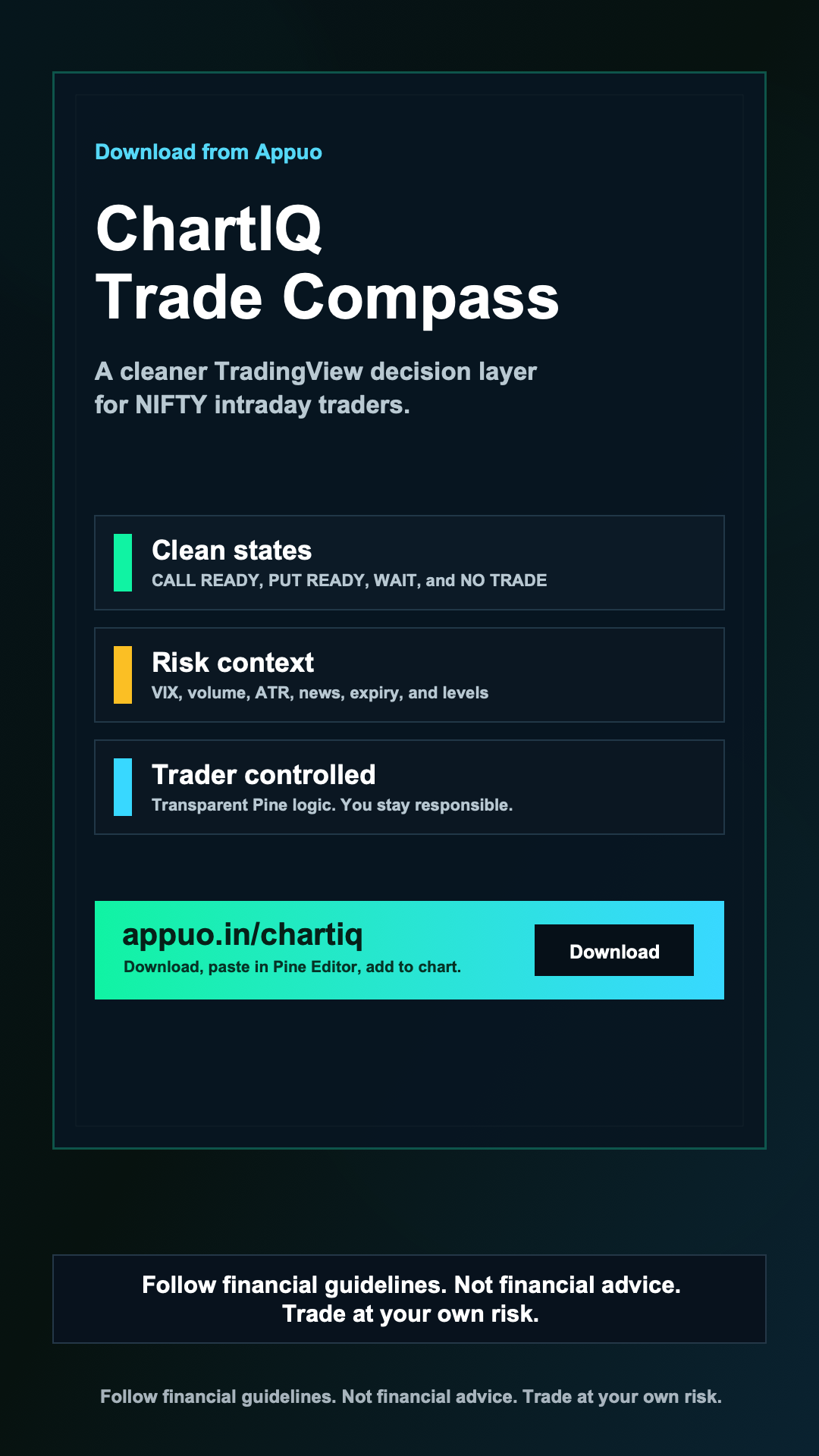
Clear states before the trade
ChartIQ compresses multiple checks into readable states, so the dashboard can say wait or no trade as clearly as it says call ready or put ready.
CALL READY
Momentum, trend, and risk checks align.
PUT READY
Bearish structure clears the required filters.
WAIT
Market is readable, but timing is not clean.
NO TRADE
Risk or context says to stand aside.
One dashboard for market quality, directional edge, and risk.
The script brings trend structure, key levels, option-chain context, and manual risk inputs into one TradingView table. It is built to support judgment, not replace it.

Install it without developer setup
No Node, Python, package manager, or build step is needed. TradingView still requires the final save and add-to-chart action inside Pine Editor.
Complete the Rs 99 checkout
Pay through Razorpay. After verification, the latest ChartIQ Pine script opens for download.
Open TradingView Pine Editor
Open your NIFTY chart, switch to Pine Editor, and remove any old editor text.
Paste, save, and add
Paste the script, save it as ChartIQ Trade Compass, then add it to your chart.
Set your market context
Update manual levels, event mode, news risk, expiry context, and option-chain inputs before using it.
Fast path
Pay once, open the Pine script, paste it into TradingView, save, and add it to your chart.
Built for disciplined traders, not blind entries.
ChartIQ keeps no-trade conditions visible, uses confirmed states, and leaves final execution with the trader. That is the point: clearer judgment, not louder signals.
No broker execution
The indicator does not place or manage orders.
Manual context stays manual
News, expiry, and key market levels remain trader-controlled.
Reviewable Pine logic
Review the Pine script before adding it to your chart.
Risk notice included
Use position sizing, stop rules, and your own judgment.
Questions traders ask first
Keep the setup simple, and keep the responsibility clear.
Is this a one-click TradingView install?
TradingView does not provide an official public one-click deployment flow for external Pine scripts. ChartIQ keeps the setup simple with a copy-paste Pine Editor workflow.
Does ChartIQ place trades automatically?
No. ChartIQ is an indicator and dashboard. It does not connect to brokers, place orders, or manage positions.
Is this financial advice?
No. ChartIQ is for education and decision support only. You are responsible for your trading decisions, risk management, and compliance with financial guidelines.
Download ChartIQ Trade Compass.
Follow financial guidelines. This is not financial advice. Trade at your own risk.